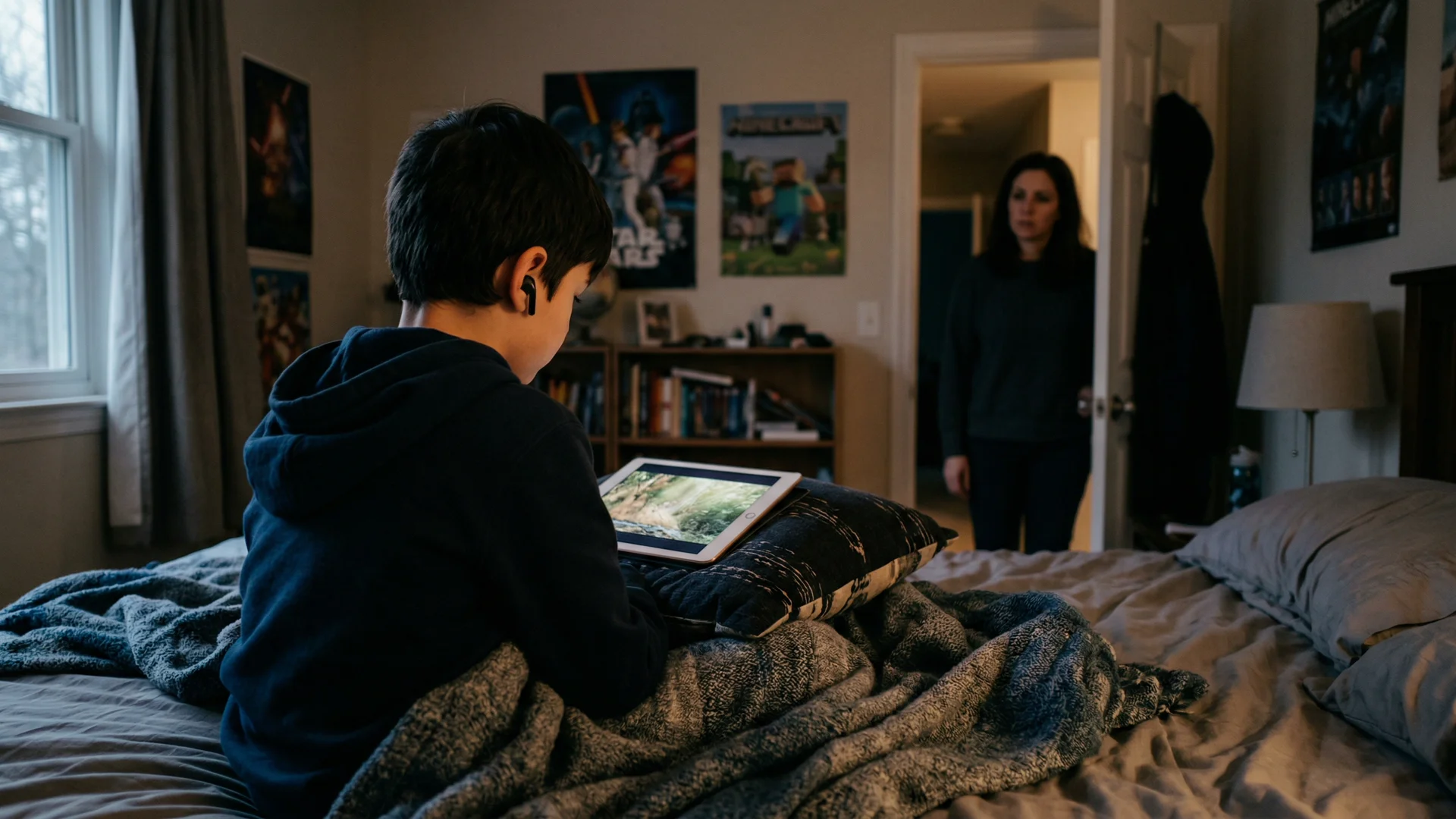
You walk past your child's room. They're playing Roblox or Fortnite, headset on, mic down. And just before they notice you, you hear it: a voice that doesn't sound like a child.
It's deeper. Older. Maybe laughing, maybe mid-sentence. Your child mutes quickly or pulls the headset off. "Just someone from the game," they say.
You move on. But it sticks.
That moment is the reason this guide exists.
What you actually heard
When your child plays a multiplayer game with voice chat enabled, they're in a live conversation with whoever else is in the session. On Fortnite, that could be random teammates from Squad Fill. On Roblox, even though voice is supposed to be restricted to verified 13+ users, it could be anyone in a voice-enabled experience (children routinely lie about their age or use older accounts). On Discord, it could be anyone in a voice channel.
There's no screening. No age matching. No filter on who joins the conversation.
The voice you heard could be:
- A teenager (most common, and usually harmless)
- A young adult gaming casually (also common)
- An older adult who plays the same game (possible)
- An adult who specifically plays games popular with children (possible, and worth paying attention to)
Most of the time, it's nothing. An older player in a public lobby. A friend's older sibling. Someone's dad.
But the reason that moment bothers you is because you can't tell the difference. And neither can your child.
Why that feeling matters
Your instinct isn't paranoia. It's pattern recognition.
Here's what child safety researchers have documented about how grooming works in gaming:
The adult doesn't start with anything inappropriate. They're helpful. They're friendly. They give your child tips, help with quests, send them in-game gifts. This can go on for days or weeks.
They build a relationship through voice. Voice creates trust faster than text. Your child feels like they're talking to a friend. The familiarity of hearing someone's voice every day makes the relationship feel real and personal.
They push to move the conversation somewhere private. "Add me on Discord." "Let's talk on Snap." Once off the game platform, there's less moderation and more privacy.
Then things escalate. Requests for personal information. Requests for photos. Sexual conversation. Sextortion.
The WeProtect Global Alliance's 2023 Global Threat Assessment found conversations with children on gaming platforms can escalate into high-risk grooming in as little as 19 seconds, with an average of about 45 minutes. Thorn's 2024 study found that 1 in 3 boys aged 9 to 12 have experienced an online sexual interaction.
The voice you heard is probably nothing. But the reason you can't stop thinking about it is because you know you can't check.
The problem with voice chat
If your child received a concerning text message, you could find it. You could screenshot it. An app like Bark might flag it.
Voice chat has none of that. The conversation happens live. When it's over, it's gone. No log. No transcript. No recording. No way to go back and check what was said.
This is why voice chat is the blind spot in parenting right now. You can set Screen Time limits. You can install Bark. You can check their phone. But none of that tells you what's happening when the headset goes on.
What to do about it (without banning gaming)
You don't need to take away the headset. Gaming is social for children, and cutting off voice chat can feel like cutting off their friendships. Here's what actually works:
1. Lock voice chat to friends only
This is the single highest-impact change. It means your child can only voice chat with people on their approved friends list, not random strangers in lobbies.
- Roblox: Settings, Parental Controls, Privacy, Voice Chat, Friends only
- Fortnite: Parental Controls, Voice Chat, Friends only, lock with PIN
- Discord: Privacy and Safety, restrict DMs, enable Family Center
- Xbox/PlayStation: Privacy settings, Communications, Friends only
2. Know who's on the friends list
Ask your child: "Who are these people? Do you know them from school?" If there are names you don't recognize and your child can't tell you who they are in real life, that's worth a conversation.
3. Watch for the second-device workaround
Children (especially 9 to 12 year olds) bypass console parental controls by putting their phone on speaker or wearing earbuds under their headset to run Discord on a second device. If you've locked down Xbox or PlayStation voice but your child still seems to be talking to someone, check what's on their phone.
4. Keep gaming in shared spaces (for younger children)
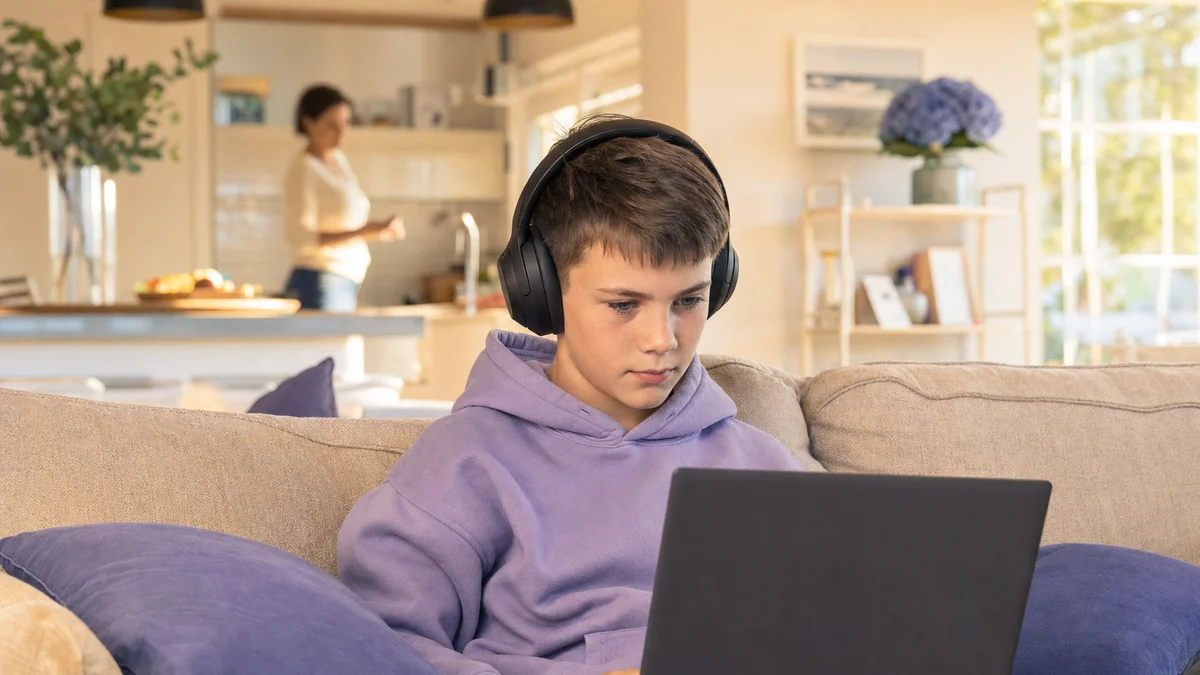
For children under 12, gaming in the living room or a shared space means you can occasionally hear what's happening. Not to spy, but to have a general sense of the environment.
5. Have the 30-second conversation
"If anyone you're gaming with says something that makes you feel weird, or asks you to move to a different app, or wants to keep something secret from me, tell me. You won't be in trouble. I just want to help."
This conversation is the single most effective protection against grooming, because it gives your child permission to come to you.
6. Get an alert only when it matters
If your child games regularly with voice chat and you want to stop wondering without sitting in the room, Halo Safe sends you an alert when it detects grooming, bullying, or threats in your child's game. It monitors the voice chat and the text chat. Not general chat or swearing. It covers the game on iPhone and iPad, and Discord and other voice apps on Mac and Windows. Their voice never leaves their device. Only the words are analysed, then discarded. Never stored. You get a summary, not a recording. It works alongside Screen Time and Bark, not instead of them.
The conversation scripts (by age)
Ages 8 to 10
- "When you're playing with your headset on, can you hear other people talking?"
- "Are the people you talk to in games all children, or are some of them older?"
- "If someone you don't know starts being really nice to you in a game, or gives you gifts, that's something I'd like to know about."
Ages 11 to 13
- "I walked past earlier and heard someone talking through your headset. Who was that?"
- "Do you ever play with people you haven't met in real life?"
- "If anyone from a game asks you to talk on Discord or another app, that's worth mentioning to me."
Ages 14+
- "You know the drill with gaming lobbies. Just remember: voice builds trust fast, and not everyone is who they sound like."
- "If someone online starts getting personal, asking where you live, what school you go to, or pushing to talk privately, that's a pattern to be aware of."
Frequently asked questions
Is it normal for my child to be gaming with adults?
In public lobbies (Fortnite Squad Fill, Roblox voice experiences), yes. Adults play the same games children do. Most interactions are harmless. The risk isn't that adults exist in gaming, it's that there's no way to tell a safe adult from an unsafe one in a live voice call. Setting voice chat to "Friends only" removes the randomness.
Should I take away the headset?
Not necessarily. Gaming is social, and voice chat with real friends is a normal part of how children interact. The goal is controlling who has access (Friends only settings) and having ongoing conversations about what to watch for.
My child got upset when I asked about it. Is that a red flag?
Not on its own. Children (especially pre-teens) can feel embarrassed or annoyed when parents ask about their online world. It becomes a concern when defensiveness is combined with other signs: secrecy, mood changes after gaming, new apps, or receiving gifts from people they can't identify.
What if I heard something concerning?
If you heard something that worried you (sexual language, an adult asking personal questions, secrecy language), take it seriously. Document what you remember (date, time, game, what was said). Talk to your child calmly. If it meets the threshold of concern, report to the platform and to CyberTipline.org.
Sources
- WeProtect Global Alliance. "Global Threat Assessment 2023." weprotect.org.
- Thorn. "2024 Youth Perspectives on Online Safety." thorn.org