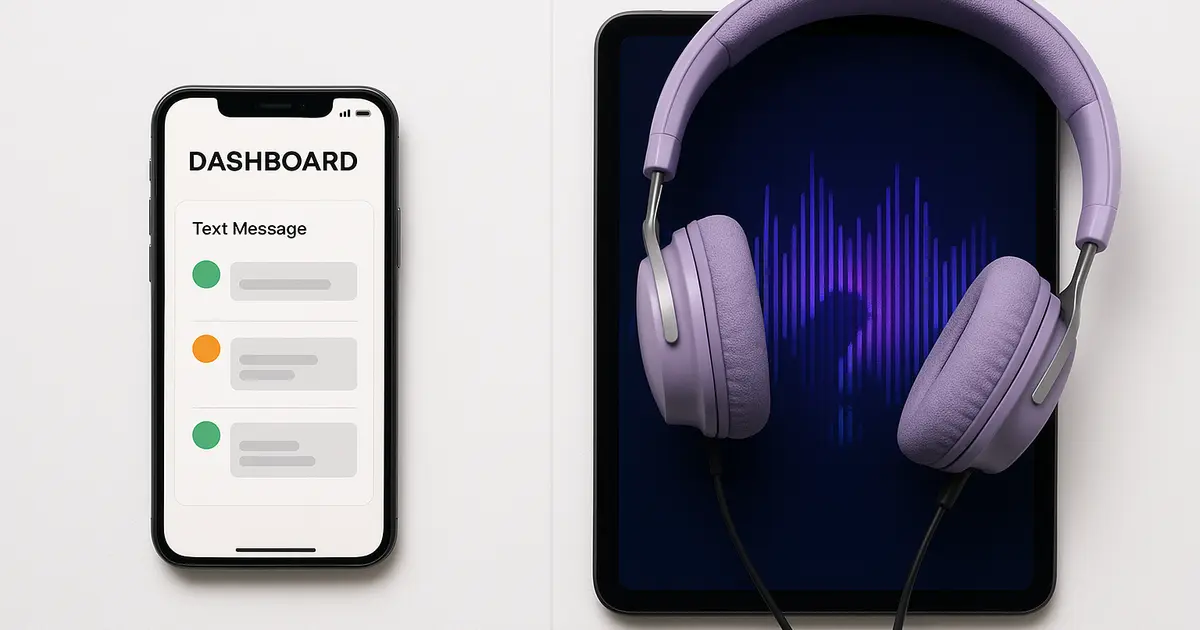
No, Bark does not monitor voice chat. Not on Roblox, not on Fortnite, not on Discord, not on any platform. Bark monitors text, images, and some in-app messages, and it does this well. But live voice conversations in games are outside its scope.
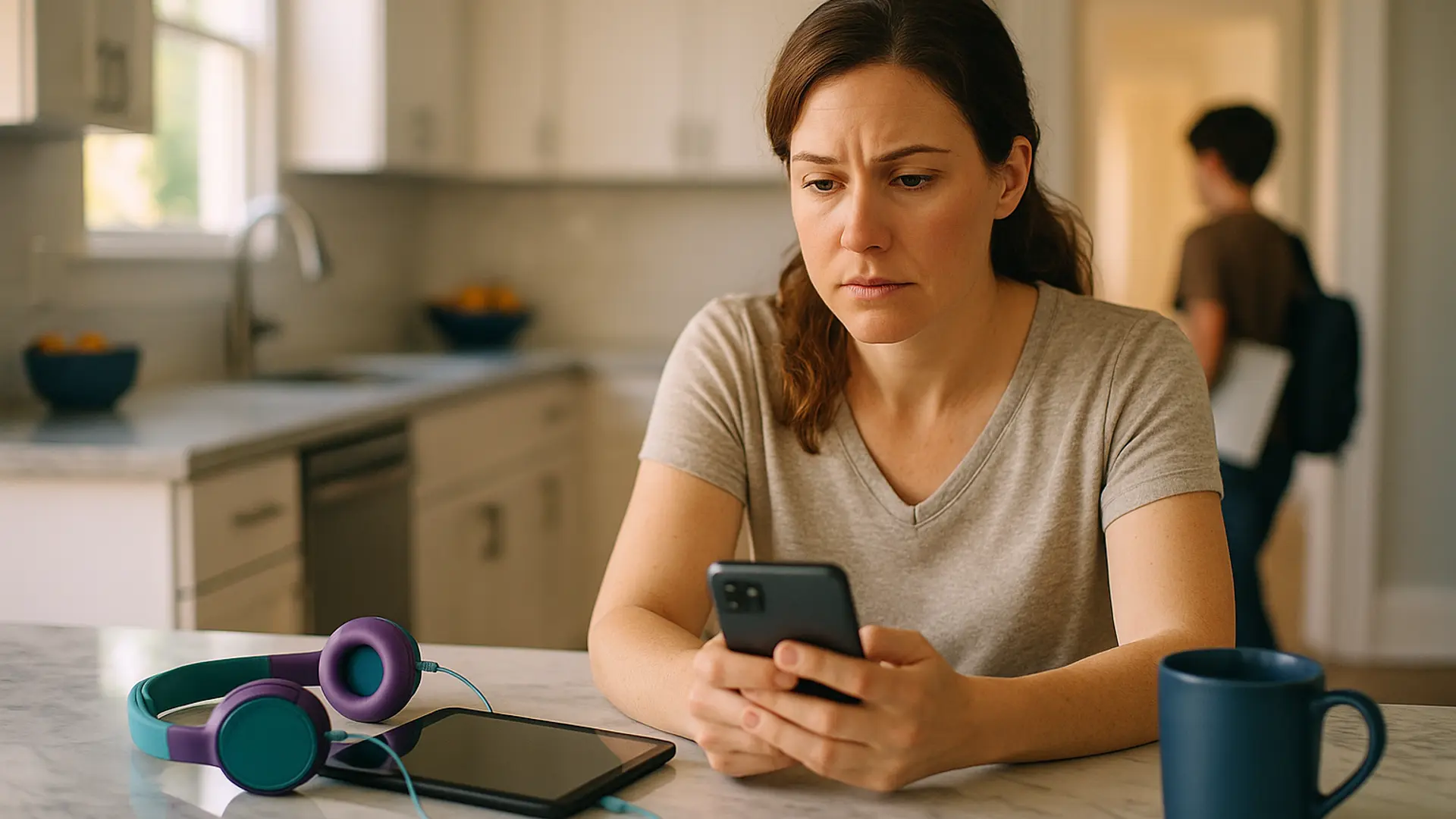
If you're paying for Bark and assumed it covers everything your child does online, this is the gap you need to know about. It's not a criticism of Bark. It's a technical reality that affects every text-based parental control app. And it matters because voice chat is increasingly where the real conversations happen.
What Bark actually monitors (and where it doesn't)
Bark covers over 45 platforms and apps. The coverage is impressive for text-based monitoring. But the details matter, especially for gaming parents.
Platform-by-platform breakdown
| Platform | What Bark monitors | What Bark doesn't monitor | Device |
|---|---|---|---|
| Roblox | Sent text chats, content searches | Voice chat, received messages, in-game interactions | Android and Bark Phone only |
| Discord | Text in DMs, group messages, servers | Voice channels, voice calls, video calls | Android only |
| Fortnite | Not documented | Voice chat, in-game text, party chat | N/A |
| Minecraft | Not documented | Voice (happens outside game anyway) | N/A |
| Posts, DMs, comments | Stories (limited), live video audio | Android has more coverage than iOS | |
| Snapchat | Private messages (text) | Snaps (photos/videos), voice/video calls | Android only |
| Gmail, Outlook, iCloud Mail, Yahoo, AOL | N/A | All platforms | |
| Web browsing | Chrome and Edge (via extension) | Safari, other browsers | Desktop, Chromebook |
The iOS vs Android gap
This is the part most Bark users don't realize. Bark works differently depending on the operating system:
Android: Bark can monitor more apps including Discord DMs, Snapchat text messages, Roblox text chat, and more in-app content. Android's permissions give monitoring apps deeper access.
iOS (iPhone/iPad): Bark's monitoring is more limited. On iOS, Bark relies on local Wi-Fi backups from a desktop computer to scan messages and photos, rather than live in-app access. This means your Mac or PC needs to be running, connected to the same network, and performing regular backups for monitoring to work. Discord, Snapchat, and Roblox in-app monitoring are largely unavailable on iOS through Bark.
If your child uses an iPhone or iPad (as most children in Australia and the US do), Bark's monitoring covers significantly fewer apps than you might expect, and the backup requirement adds friction.
Why Bark can't do voice chat (the technical reality)
This isn't a Bark problem. It's an industry-wide limitation. Here's why:
Voice is technically different from text. Scanning text messages means reading data that already exists as text. Voice chat is a live audio stream that needs to be captured, processed, and analyzed in real time. That requires completely different technology.
Platform restrictions block it. Apple's App Store rules prevent third-party apps from recording or intercepting audio from other apps on iOS. Android has similar audio capture restrictions. Game platforms like Roblox and Discord route voice through their own encrypted channels that external apps can't tap into.
Legal complexity. Recording voice conversations involves consent laws that vary by jurisdiction. Text monitoring operates under different legal frameworks than audio capture.
Most traditional parental control apps haven't solved this. Bark, Net Nanny, Norton Family, and Microsoft Family Safety focus on text, web, and screen time. Qustodio recently added PC voice monitoring through their Kidas acquisition (Windows only, cloud-based). But voice monitoring on mobile remains a gap across the industry.
Why voice chat is the gap that matters most
You might think: "If Bark covers texts and social media, that's most of the risk, right?"
Five years ago, yes. Today, no. The shift happened because children' communication migrated to voice:
- Gaming is social. Roblox has around 132 million daily active users. Fortnite, Minecraft, and Discord are where children hang out. Voice chat is the primary communication method in all of them.
- Predators know text is monitored. Reporting and safety research indicate predators often move conversations off monitored text channels, and voice leaves no reviewable trail. The pattern of asking a child to move to another app is the number-one grooming red flag to teach your child about.
- Voice disappears. There's no log, no transcript, no evidence after the fact. If something concerning happens in a voice call, there's nothing for anyone to check later.
- Three in four young gamers have experienced harassment in online multiplayer games (ADL, 2023). This isn't a hypothetical risk.
Bark's own advice for Roblox essentially amounts to: have conversations with your child and consider restricting the platform. That's good advice, but it doesn't solve the visibility problem.
If your child uses Discord, its built-in Family Center gives you activity summaries without reading messages, though it cannot monitor voice calls.
Your options for monitoring voice chat
If you want to keep Bark for what it does well (text, social media, email, web) and add voice chat coverage, here's what's available:
Option 1: Platform controls (free, but limited)
Set voice chat to "Friends only" or "Off" on each game. Lock with a PIN. This prevents exposure but gives you zero visibility. You're choosing between "allow" and "block" with nothing in between.
Option 2: Aura / Kidas (PC only)
Aura's "Safe Gaming" monitors voice and text across 200+ PC games including Roblox, Fortnite, and Discord. It's cloud-based (audio is processed on external servers). Windows only. Doesn't work on mobile or Mac.
Option 3: Halo Safe (mobile + PC + Mac)
Halo sends you an alert when it detects grooming, bullying, or threats in your child's game. It monitors the voice chat and the text chat. Not general chat or swearing. Their voice never leaves their device. Only the words are analysed, then discarded. Never stored. You get a summary, not a recording.
- iOS: In-game voice and on-screen text chat, any game
- Mac and Windows: Discord and other VoIP voice on that computer (runs automatically in the background)
- Limitation: Android is in the works. On iOS, can't capture Discord/VoIP audio (Apple platform restriction). On iOS, child starts each session manually.
The "Bark + Halo" stack
This is the approach that gives the most complete coverage:
- Bark handles: text messages, social media DMs, email, web browsing, screen time
- Halo handles: alerts for grooming, bullying, and threats in the game's voice and text chat on iPhone and iPad (any game), and Discord and other voice apps on Mac and Windows
- Platform controls handle: restricting who can talk to your child, blocking friend requests from strangers
Together, you cover the paper trail (Bark) and the conversations that don't leave one (Halo). Neither tool alone covers everything.
Comparison at a glance
| Feature | Bark | Qustodio | Aura (Kidas) | Halo Safe |
|---|---|---|---|---|
| Text monitoring | ✅ 45+ apps | ✅ | ✅ (PC games) | ✅ In-game text chat (iOS) |
| In-game danger alerts | ❌ | ✅ Windows only (via Kidas) | ✅ Windows only | ✅ alerts for grooming, bullying, and threats, not general monitoring (iPhone, iPad, Mac, Windows) |
| Works on iOS | ✅ (limited) | ✅ | ❌ | ✅ |
| Works on Android | ✅ (full) | ✅ | ❌ | Coming June 2026 |
| Audio stays on the device | N/A | N/A | ❌ (cloud) | ✅ |
| Screen time / web filter | ✅ | ✅ | ✅ | ❌ |
Frequently asked questions
Does Bark monitor voice chat?
No. Bark monitors text, images, and some in-app messages across 45+ platforms. It does not monitor live voice chat on any platform including Roblox, Fortnite, Discord, or any other game or app.
Does Bark monitor Roblox?
Partially. Bark monitors sent text chats and content searches on Roblox, but only on Android devices and the Bark Phone. It captures only the child's side of the conversation, not what the other person said. Voice chat is not monitored.
Does Bark monitor Discord?
On Android only. Bark monitors text in Discord DMs, group messages, and servers. It does not monitor Discord on iOS (Apple doesn't allow it). Voice channels and voice calls are not monitored on any platform.
Does Bark monitor Fortnite voice chat?
No. Bark does not monitor Fortnite voice chat on any platform. Fortnite voice runs through Epic's servers, and Bark has no access to it. For the full picture of what Fortnite's own controls can and cannot do, see our Fortnite parental controls guide.
Does Bark monitor Minecraft?
Bark has limited Minecraft coverage on Android. It can scan some text, but it does not monitor voice chat in Minecraft (which requires third-party mods on Java Edition or Xbox Party/Discord). Minecraft Bedrock text chat is not covered on iOS. For the full setup, see our Minecraft parental controls guide.
Should I cancel Bark?
No. Bark is good at what it does. If your child texts, uses social media, or browses the web, Bark provides valuable monitoring for those channels. The question is whether you also need voice chat coverage, which requires a separate tool.
What's the best alternative to Bark for voice chat?
On iPhone and iPad, Halo Safe sends you an alert when it detects grooming, bullying, or threats in the game's voice or text chat. For PC gaming voice, Aura/Kidas, Qustodio (via their Kidas integration, Windows only), and Halo all cover voice on that computer.
Can any app monitor voice chat on an iPhone?
On iPhone and iPad, Halo sends you an alert when it detects grooming, bullying, or threats in the voice and text chat of any game. Their voice never leaves their device. It cannot reach Discord or VoIP calls on iOS. On Mac and Windows it covers Discord and other voice apps, and sends you an alert when it detects grooming, bullying, or threats, not general chat.
Sources
- [Bark] "What Bark Monitors on Social Media." February 2026. support.bark.us
- [Bark] "Monitoring iOS Devices with Bark." bark.us
- [Bark] "Bark Now Monitors Roblox." September 2024. bark.us
- [Bark] "What is Discord and Is It Safe?" bark.us
- [Playgama] "Does Bark App Monitor Activity on Roblox?" July 2025.
- [ADL] "Hate Is No Game: Hate and Harassment in Online Games 2023." adl.org
- [Amherst Indy] "What Parental Control Apps Miss That Predators Exploit." March 2026.
- [Thorn] "2024 Youth Perspectives on Online Safety." thorn.org
This guide reflects Bark's documented capabilities as of April 2026. Features may change with updates.