Quick answer: Minecraft has no built-in voice chat in the base game, but players talk via Discord voice channels, Xbox Party Chat, PlayStation Party Chat, or Java Edition mods like Simple Voice Chat. The risk is real; it just doesn't happen inside Minecraft itself, which means Minecraft's own safety tools can't see or control it.
Minecraft doesn't have a built-in voice chat system like Roblox or Fortnite. So it's safe, right?
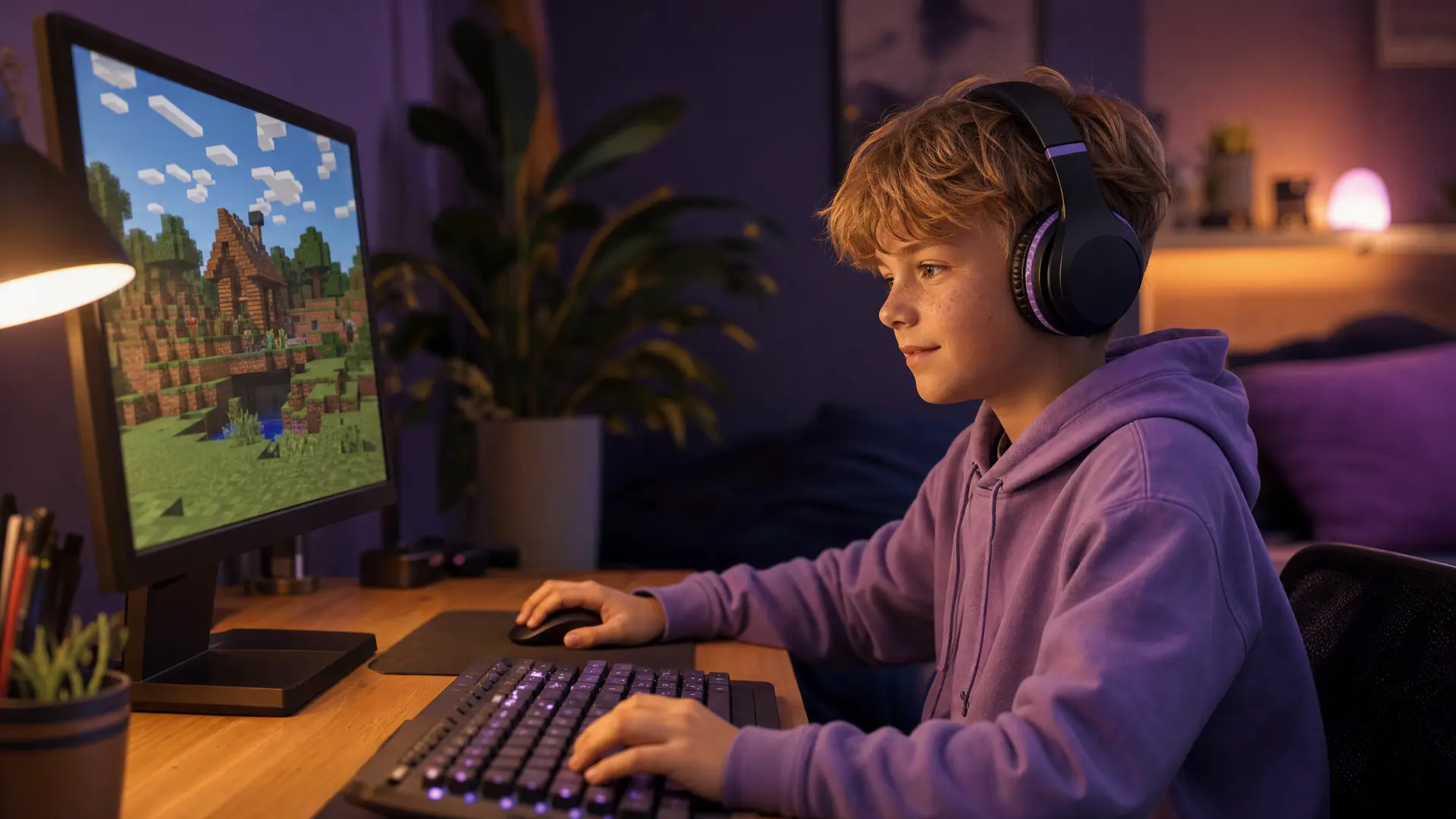
Not exactly. The voice chat happens around Minecraft, not inside it. Kids use Discord voice channels, Xbox Party Chat, PlayStation Party Chat, or voice chat mods to talk while they play. And because it's happening outside the game, Minecraft's own safety tools can't see or control it.
If your child plays Minecraft with other people, they're almost certainly talking to someone through a channel you might not know about.
Do this first: 5-minute Minecraft safety checklist
Ask your child how they talk to people while playing Minecraft. Discord? Xbox Party? PlayStation Party? A voice mod? Their answer tells you where the risk actually is.
Check your Microsoft Family Safety settings if they play Bedrock Edition. Go to family.microsoft.com and review multiplayer, chat, and friend request permissions.
If they play Java Edition on PC, there are no built-in parental controls. Manage this at the device level or through the server they're on.
Set in-game chat to "Commands Only" or "Hidden" if you want to disable text chat.
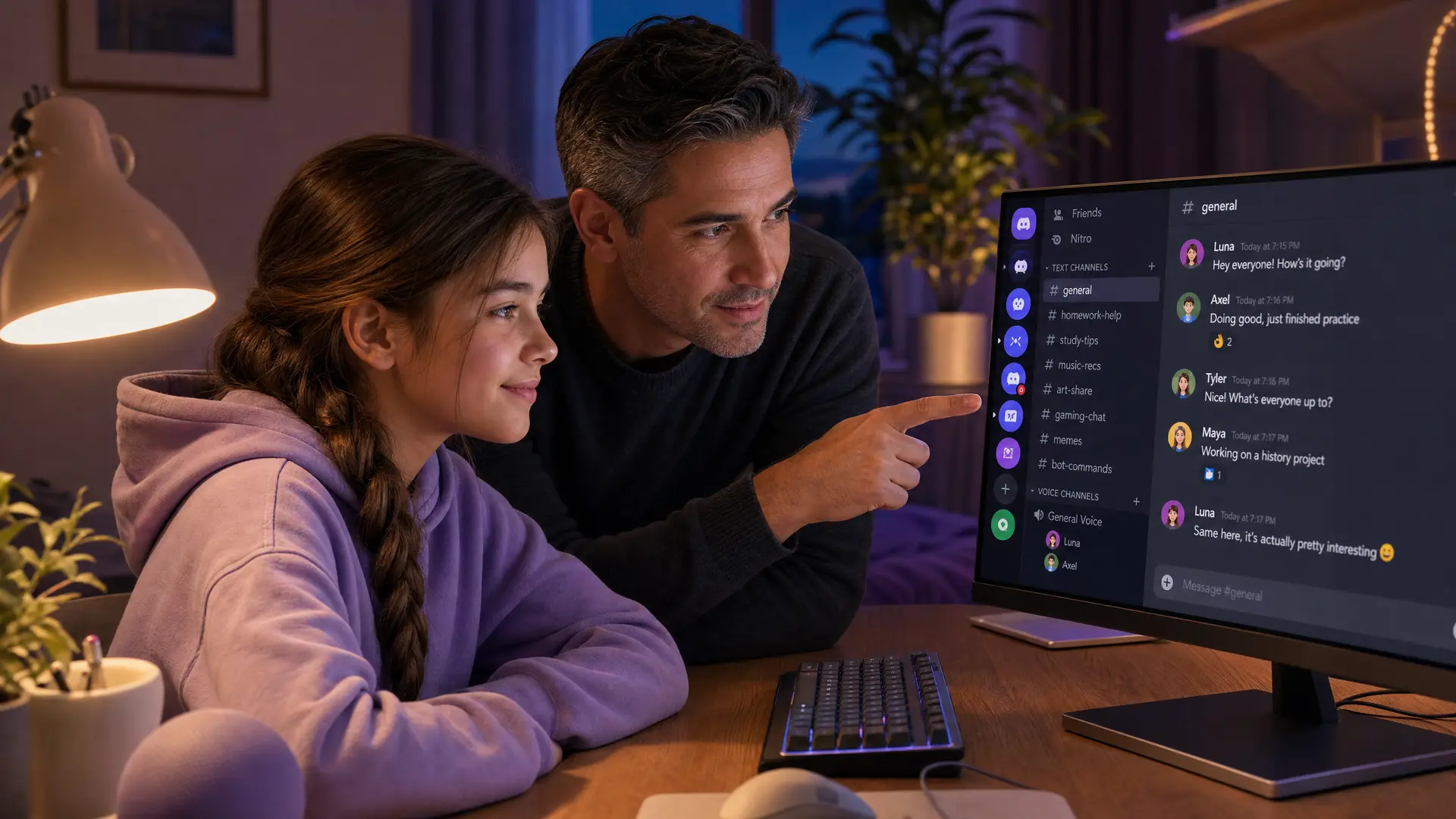
If they use Discord alongside Minecraft, set up Discord Family Center (see our Discord guide).
That covers the basics. Keep reading for context on why each one matters.
Does Minecraft have voice chat?
Short answer: not really. Minecraft itself doesn't have a built-in cross-platform voice system created by Mojang.
But voice happens through:
Xbox Party Chat / PlayStation Party Chat: On consoles and Windows, players use the platform's party system to voice chat. This runs outside of Minecraft and is controlled through Xbox or PlayStation family settings, not Minecraft settings.
Discord: Most multiplayer Minecraft servers have an associated Discord server. Kids join to coordinate gameplay and end up in voice channels with other server members, who may be strangers.
Voice chat mods (Java Edition): Mods like "Simple Voice Chat" add proximity-based voice directly into the game. Your child can install these through mod loaders (Fabric, Forge) without your knowledge. When installed, they can hear and be heard by other players on the same server.
For parents, the takeaway: "Minecraft doesn't have voice chat" is technically true for the base game, but misleading. If your child plays with other people, voice is almost certainly happening through a side channel.
One thing parents miss: kids often use a second device for voice. They play Minecraft on the iPad or Switch while running Discord on their phone right next to them. If you only check the device they're gaming on, you won't see the voice happening on the other one.
Java Edition vs Bedrock Edition: which is safer
This matters more than most parents realise.
Bedrock Edition (console, iPad/tablet, mobile, Windows from Microsoft Store)
Has parental controls through Microsoft/Xbox Family Safety
You can restrict multiplayer, chat, and friend requests
Realms are available (invite-only, Microsoft-moderated)
Chat is filtered and reportable
Cross-play between console, mobile, and PC is controlled through Xbox privacy settings
Java Edition (PC, via Minecraft launcher)
No built-in parental controls
No account-level multiplayer or chat restrictions
Third-party servers with custom plugins, mods, and no Mojang oversight
Player Reporting tool exists (since version 1.19.1) but Mojang does not actively monitor private server chat
Voice mods can be installed by the child without parent awareness
Server admins set their own rules, and moderation quality varies wildly
If safety is a priority and your child is under 13, Bedrock Edition is the better choice. You have actual control through Microsoft Family Safety. On Java, you're relying on server operators and your child's own judgment.
Realms vs public servers
Realms (safer option)
Invite-only. Only people you invite can join.
Run by Minecraft/Microsoft. Subject to Minecraft's community standards.
Limited to 10 players (Bedrock) or 11 (Java Realms Plus).
You control the invite list.
Good for: playing with real-life friends, school groups.
Public servers
Anyone can join (or join after a simple sign-up).
Run by third parties with their own rules and moderation.
Can have hundreds or thousands of players.
Often have associated Discord servers where voice chat happens.
Some popular servers (Hypixel, Mineplex) have active moderation. Many smaller servers don't.
Good for: older teens who want a bigger community. Risky for younger kids.
The question to ask your child: "Is this server run by someone you know, or did you find it online?" If they found it online, check whether it has an associated Discord and who's in it.
Step-by-step: parental controls by platform
Bedrock Edition (Xbox, Windows, mobile)
All controlled through Microsoft Family Safety:
Go to family.microsoft.com and sign in with your Microsoft account
Select your child's profile
Under Xbox Privacy: set "You can join multiplayer games" to Allow or Block based on age, set "Others can communicate with voice, text, or invites" to Friends or Block, and set "You can play with people outside of Xbox Live" to Block (prevents cross-play with unknown platforms)
Under Content Restrictions, set appropriate age ratings
Under Spending, enable purchase approvals
You can also use the Xbox Family Settings app on your phone to manage these remotely.
Java Edition (PC)
There are no built-in parental controls for Java Edition. Your options:
Use a whitelist server or Realm where you control who joins
Restrict mod installation by managing file access on their computer (or using a standard user account without admin rights)
Monitor at the device level with Apple Screen Time (Mac) or third-party tools (Windows)
Check the mods folder periodically. If you see "voicechat" or "simple-voice-chat" in the mods directory, your child has installed a voice chat mod.
PlayStation
Settings, then Family Management, then Parental Controls
Restrict communication and user-generated content
PlayStation Party Chat is separate from Minecraft settings and must be restricted here
Nintendo Switch
Use the Nintendo Switch Parental Controls app
Restrict communication with others
Note: Minecraft on Switch has limited chat compared to other platforms
Age-specific recommendations
Under 9
Single player or local multiplayer only (same room, same network)
Multiplayer: off in Microsoft Family Safety
If they want to play with friends: set up a private Realm and only invite kids you know
No Discord
Ages 9 to 12
Bedrock Edition preferred (parental controls available)
Multiplayer: Friends only
Realms: fine, with an approved invite list
Public servers: avoid unless you've checked the server and its Discord
Chat: Friends only or Commands Only
If they're using Discord alongside: see our Discord parental controls guide for setup
Ages 13 and older
Multiplayer and Realms: fine with settings reviewed
Public servers: acceptable on well-moderated servers (Hypixel, etc.)
Java Edition: discuss mods and voice chat openly. Check the mods folder occasionally.
Discord: set up Family Center. Review server list together.
Can you monitor Minecraft voice chat?
Since voice happens outside the game, monitoring depends on which platform carries the voice:
Voice source | Monitoring tool | What it covers |
|---|---|---|
Xbox Party Chat | Xbox Family Settings (restrict, not monitor) | Can restrict to Friends. Cannot hear conversations. |
PlayStation Party | PS Parental Controls (restrict only) | Can restrict. Cannot monitor. |
Discord voice | Halo (Mac, Windows) | Runs in the background on their computer and monitors Discord voice. Not available on mobile. |
Discord text | Bark (Android), BrightCanary (iOS) | Text only. No voice. |
Voice chat mods (Java) | Halo (Mac, Windows) | If they play on a computer, Halo runs in the background and can monitor voice from game mods too. |
The honest answer: Minecraft voice chat monitoring is messy because the voice doesn't come from one place. Your best strategy is restricting voice at the platform level (Xbox/PlayStation settings), setting up Discord Family Center if they use Discord, and having Halo on their Mac or PC if they play on desktop with Discord running.
What to say to your kid about Minecraft multiplayer
Ages 8 to 10
"Do you talk to people while playing Minecraft? How?"
"If someone on a server asks you to join their Discord, that's something to check with me first."
"Let's set up a Realm together so you can play with your friends safely."
Ages 11 to 13
"Which servers do you play on? Do they have a Discord? Who's in it?"
"If you've installed any mods, can you show me? I'm not going to delete them, I just want to understand what they do."
"Public servers can have anyone on them. Realms are safer because you control who's invited."
Ages 14+
"You know how Minecraft multiplayer works. Just be aware that some servers and their Discords attract all kinds of people."
"If you've installed voice chat mods, remember that other players in the server can hear you."
Frequently asked questions
Does Minecraft have voice chat?
Minecraft does not have a built-in cross-platform voice chat system. However, players use Xbox Party Chat, PlayStation Party Chat, Discord, or voice chat mods (Java Edition) to talk while playing. The voice happens outside the game, which means Minecraft's safety tools can't control it.
Is Minecraft safe for kids?
Minecraft in single player or on a private Realm with known friends is one of the safest online games available. The risks increase with public servers, multiplayer with strangers, and when Discord or voice mods are used alongside the game. Bedrock Edition with Microsoft Family Safety is safer than Java Edition, which has no built-in parental controls.
Are Minecraft Realms safe?
Realms are invite-only, limited to 10-11 players, and subject to Minecraft's community standards. They're significantly safer than public servers because you control who has access. The main risk is if your child shares the invite link with someone you don't know.
Java vs Bedrock: which should my child play?
If safety and parental controls matter, especially for under 13s, choose Bedrock Edition. It integrates with Microsoft Family Safety, has chat moderation, and doesn't support unvetted mods. Java offers more freedom but zero built-in parental controls.
What are voice chat mods in Minecraft?
Mods like "Simple Voice Chat" and "Plasmo Voice" add proximity-based voice communication to Java Edition. Players hear others based on how close their characters are in the game world. These are installed through mod loaders (Fabric, Forge) and work on any server that has the mod installed. Parents may not know these exist.
Can strangers join my child's Minecraft Realm?
Only if they have the invite link or are on the invite list. Realms are private by default. But if your child shares the link publicly (on a forum, Discord, or social media), anyone with the link can join.
Sources
[Minecraft.net] "Parental Controls in Minecraft." help.minecraft.net
[Microsoft] "Managing Child Account Social Settings Using Xbox Settings." help.minecraft.net
[Microsoft] "Xbox Family Settings." family.microsoft.com
[Internet Matters] "Minecraft Parental Controls Guide." internetmatters.org
[Security.org] "A Guide to Setting Up Minecraft Parental Controls." security.org
[FamilyITGuy] "Minecraft Parental Controls: Safety Setup for Every Platform." familyitguy.com
[FindMyKids] "Minecraft Parental Controls: Is It Safe for Kids?" findmykids.org
[CodeWizardsHQ] "Minecraft Parental Controls: What Every Parent Should Know." codewizardshq.com
This guide is updated as Minecraft and Microsoft change safety features. Last reviewed May 2026.