Quick answer: Valorant works for most teens 13 to 17 if you set it up properly. Use the Riot Parent Portal to set Comms to friends-only voice, turn on the in-game text filters, and restrict party chat on PS5 or Xbox. The real blind spot isn't the game itself. It's the Discord call running alongside it, where much of the talking happens and no parental control can see in.
If your child plays Valorant, the game itself is probably not what's keeping you up at night. The voice chat is.
Here is the thing nobody else writing a Valorant parent guide will say out loud: a lot of the talking happens on Discord, not in the game. The in-game voice is real, and Riot moderates it, and there are settings worth knowing. But the risk surface many parents miss is the separate app running in the background, where conversations happen outside Riot's moderation.
This guide covers both. Valorant has its own parental controls (real ones, not just a checkbox), and they're better than most parents realize. The cross-platform reality with Discord is where most guides stop and where this one keeps going.
About ten minutes to read, another ten to set up.
What Valorant actually is, in 60 seconds
Valorant is a 5v5 tactical shooter made by Riot Games. It launched on PC in 2020 and on PS5 and Xbox Series X/S on June 14, 2024. The console release added cross-progression, meaning a Riot account links your child's PC and console identities and shares skins and Valorant Points between them.
It looks visually like a cartoon, plays like a serious competitive shooter, and has tens of millions of monthly players. The community skews young and male, with the modal player in the 18-24 band, but the long tail into 14-17 is large enough that "my child plays Valorant" is now a common parent search.
The ratings:
- ESRB rates it Teen for Blood, Language, and Violence.
- PEGI rates it 16 for Violence.
- Common Sense Media recommends it for age 14 and up, flagging the constant player-versus-player violence and the risk of offensive language in voice and text chat.
So three different bodies, three different age recommendations. The honest read is that the visuals are not what you're worrying about. The voice chat is. Which is exactly where this guide spends most of its time.
Is Valorant safe for kids?
Valorant has three risk surfaces. Two are about voice, one is about content.

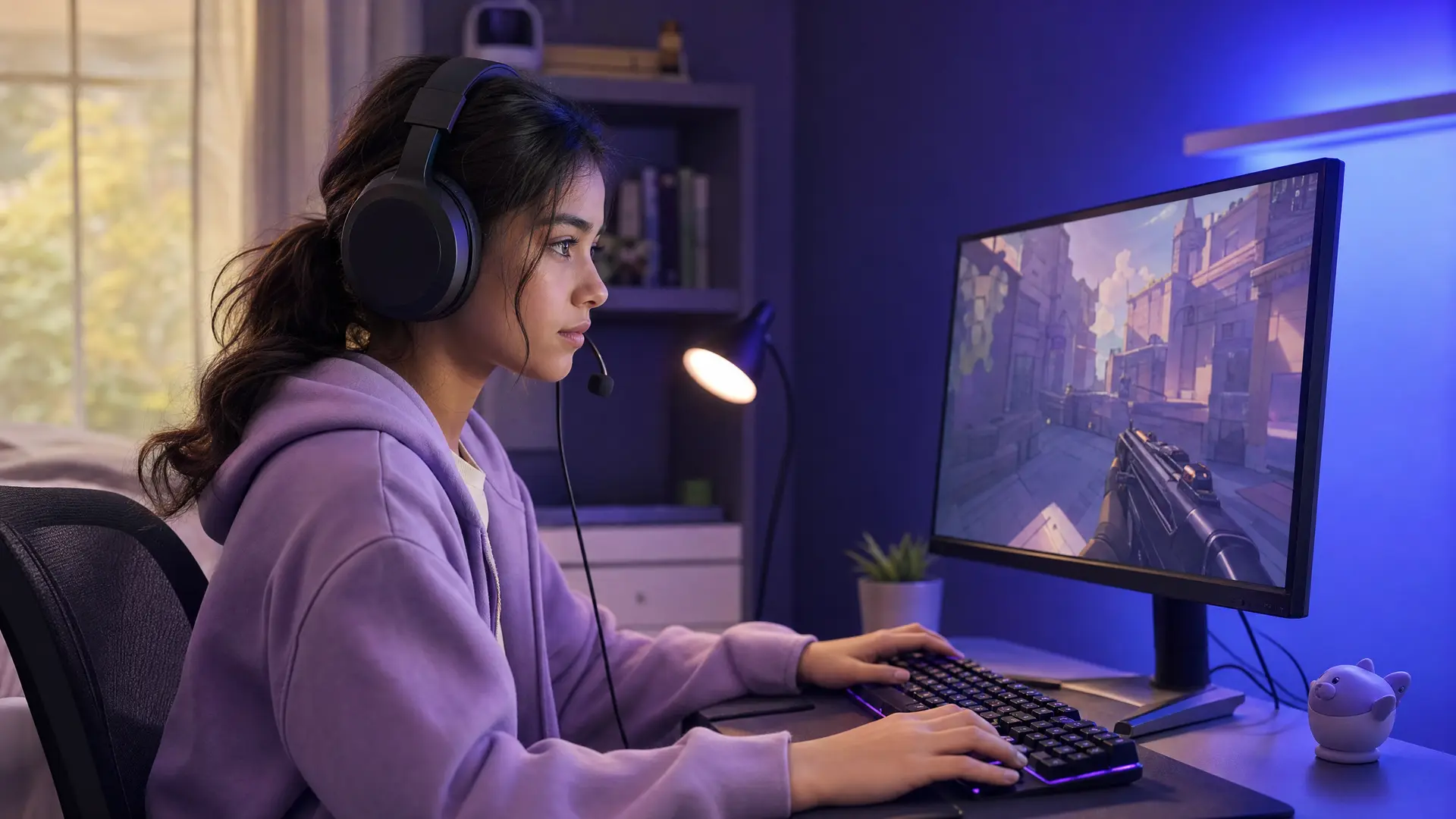
Risk one: in-game voice chat. Valorant has team voice and party voice. Team voice connects your child with four strangers each match. Party voice is a private channel with friends they explicitly invited. Strangers means strangers: the matchmaker pairs your child with whoever fits the skill rating that round.
Risk two: Discord voice chat alongside Valorant. Many PC players talk on Discord rather than in-game. They join a Discord server with their squad, leave Valorant's team voice muted, and trade information through Discord. This is invisible to every Valorant parental control. Riot cannot see Discord. Discord parental controls cannot see Valorant.
Risk three: T-rated content in the game. Blood, violence, language. For most parents this is the easiest one to evaluate. If your child handles other shooters (Fortnite, Apex Legends, Rainbow Six Siege), Valorant is in the same band visually.
Common Sense Media's 14+ recommendation is the most-cited middle ground. The ESRB's Teen rating covers ages 13 and up. Riot themselves require a Riot account starting at 13, and require parental approval in many regions for ages 13 to 17.
The short version: the game is not the question. The voice chat layer is the question. Everything in this guide is built around answering it.
The voice chat reality
Valorant voice chat works in two ways. Team voice connects you and four randoms during a match. Party voice connects you with friends you grouped up with. Push-to-talk is the default for both, so the mic is open only when your child is holding down the talk key (V for team, U for party).
Team voice is on by default. Most children leave it on. The Riot evaluation system, the thing parents mostly want to understand, works like this.
In 2023, Riot rolled out a voice evaluation system for Valorant, starting in North America and expanding to more languages since. When you use voice chat, audio is captured and held for a minimum of 24 hours, then automatically deleted if no report is filed. When a player files a report for disruptive behavior, the system retains that match's audio for seven days for moderation review. From Riot's own Comms Restrictions and Audio Retention support page: the system "is specifically designed to identify and preserve only interactions that violate our terms of service."
That's an important distinction. Voice evaluation is moderation-style, not surveillance-style. Riot does not have a permanent record of every conversation. They have a queue of reported clips that language models and reviewers evaluate for harassment, slurs, threats, and similar Player Conduct Policy violations.
What happens when Riot upholds a report:
- The offending player gets a Comms Restriction, which disables voice and text chat for a set number of days (1, 3, 7, 14, or up to 365).
- Repeat or severe offenders get account-level penalties.
- Evidence is retained for the duration of the moderation review.
What this gives parents, in practice: a real reporting flow with real consequences. If your child hears slurs or grooming-style messages, the report button works. It is not a black hole.
What this does not give parents: visibility. There is no parent-facing log of what your child hears or says. Riot's evaluation system protects the player base, not the parent's dashboard.
And it does nothing for the Discord channel running alongside, where much of the actual talk happens.
The Riot Parent Portal, walk-through
This is the most under-shared part of the Valorant safety stack. Riot built a real Parent Portal and parental-approval system, and almost no parent guide tells you what it does. Here is what you get, in order.
Step 1: parental approval. When a child aged 13 to 17 in many regions creates a Riot account, Riot emails a parent or guardian. You verify your identity and grant approval for your child's use of a Riot Account. Without approval, the account cannot play.
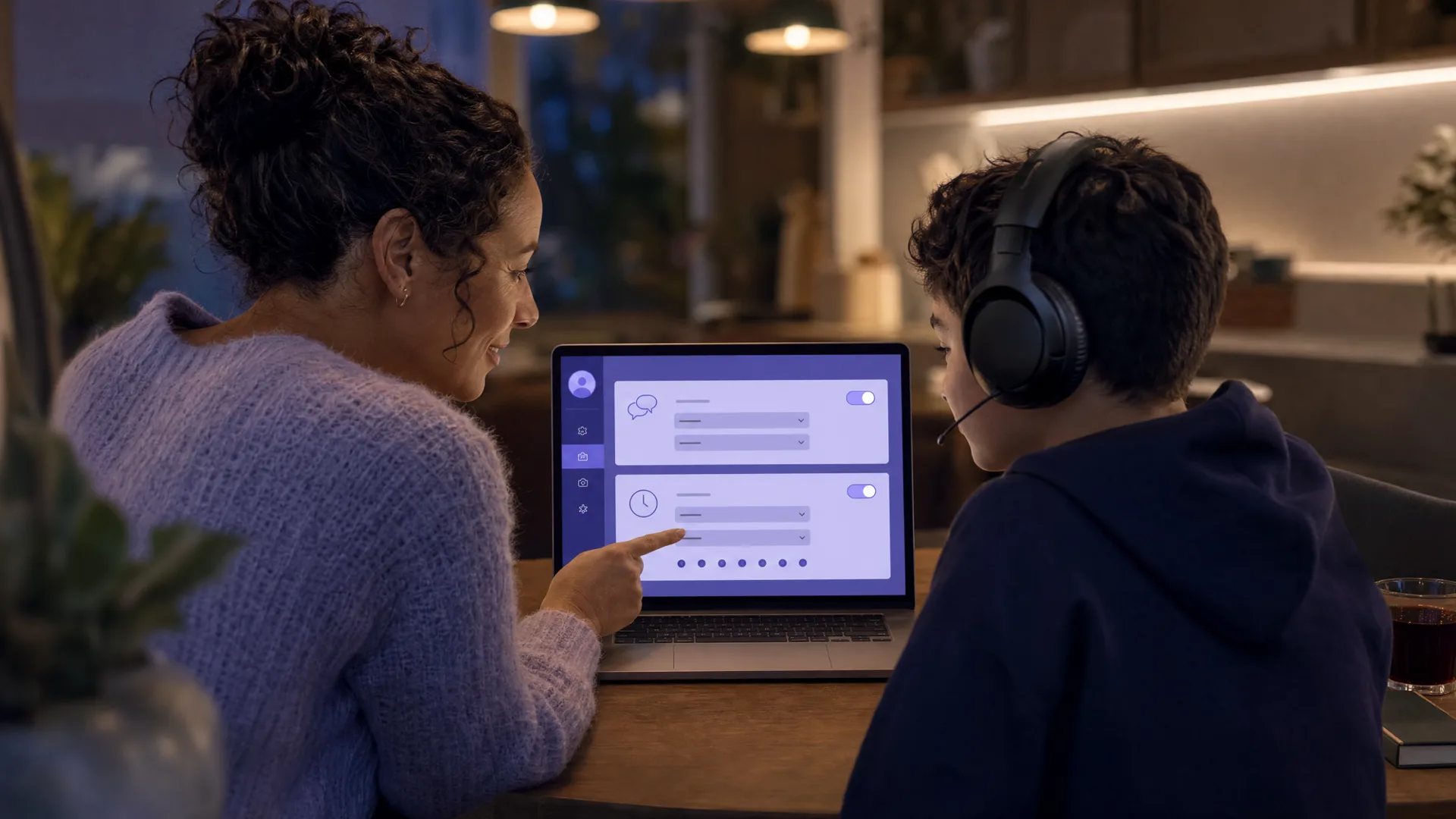
Step 2: account linking. Once approval is granted, the Parent Portal lets you link to your child's account on an ongoing basis. You manage their settings from your own Riot account, not theirs.
Step 3: what you control.
- Friends List. View who your child has added and remove anyone you don't want them connected to. You can also block friend requests entirely.
- Comms Settings. Text chat and voice chat can each be turned off or limited to friends only. You can leave text on and voice off.
- Adult message visibility. The Portal shows all adult (18+) accounts that have directly messaged your child in the last 30 days.
- Playtime and spending. Monthly playtime limits and purchase caps are available in some regions, but do not currently apply in the US.
Step 4: regional rules. Riot keeps a global Age Verification policy that can differ by region. Verification is required in some regulated regions but optional in the US (except Louisiana). Guardians verify using a credit card or government ID through Kids Web Services (KWS). Local rules matter too: Brazil's Digital ECA, enforceable from March 2026, restricts minors from playing 18+-rated games even with parental consent and adds default-off interaction requirements.
The Portal is the strongest single tool in this guide. It lives at the account level, not the device level, which means it follows your child across PC and PS5 and Xbox automatically. If you only do one thing on this list, do the Portal.
The honest limitation: the Portal does not show you what was said. Parents cannot view chat history or gameplay activity directly, though that data can be requested through Riot Player Support. The voice content itself is invisible to you. Which is the gap the next sections address.
In-game settings that actually matter
If you can't or won't use the Parent Portal yet, or if your child is 18+ and on their own Riot account, the in-game settings still cover most of the obvious work.
To disable Valorant voice chat entirely (PC):
- Open Valorant, click the gear icon, open Settings.
- Switch to the Audio tab.
- Open the Voice Chat sub-tab.
- Set Incoming Voice Volume to 0 (you won't hear anyone).
- Set Microphone Activation Mode to Push-to-Talk and bind it to a key your child won't accidentally hit.
- To go fully silent, set Party Voice Chat to Off and Team Voice Chat to Off in the same panel.
Text-only mode. In the General tab there is a chat filter that blocks profanity in text chat. Turn it on. It catches the obvious slurs and most common profanity. It does not filter voice, which is what voice evaluation is for.
Mature language filter. Same place, separate toggle, applies to in-game text. It defaults on for accounts marked as a minor, but the on/off state is worth checking.
Mute and block individual players. Mid-match, your child can right-click a teammate's name on the scoreboard and mute their voice, mute their text, or both. Permanent blocks happen post-match via the player-report flow.
The report button. End of match, on the scoreboard, there's a Report option per player. Categories include Hate Speech, Harassment, Verbal Abuse, Inappropriate Name, Cheating, and AFK. Reports for voice misconduct are the ones that trigger the voice evaluation system described earlier. Teach your child to use it. The system rewards reporters as much as it penalizes offenders.
One thing the in-game settings cannot do: stop your child from hearing other players in party voice on Discord. That's the Discord overlap section below.
Console parental controls (PS5 and Xbox)
Valorant Console launched June 14, 2024. If your child plays on a PS5 or Xbox Series X/S, the parental control surface is different and arguably easier, because Sony and Microsoft already give you account-level family management.
On PS5: Family Management.
- Open PS5 Settings, go to Family and Parental Controls, pick your child's account.
- Open Communication and User-Generated Content.
- Set Communication with Other Players to Allowed, Not Allowed, or Friends Only.
- "Friends Only" is the move for most families: children can talk to people on their friend list, no one else.
The PS5 setting controls system-level party chat (the Sony version of voice chat that runs in a sidebar across all games). It does not directly control the in-game Valorant voice channel. For that, layer in the Riot Parent Portal Comms Settings from the previous section.
On Xbox Series X/S: Microsoft Family Safety.
- Install the Microsoft Family Safety app on your phone, or open family.microsoft.com.
- Find your child's profile, open Xbox / Devices.
- In Communications and Multiplayer, restrict who can communicate by voice and text.
- The available levels match Sony's: Everyone, Friends, Block.
Same caveat: the Xbox setting controls system party chat. Valorant's own in-game voice runs underneath it.
The visibility problem. Console headset audio does not show up in any screen-recording or activity log. If your child plays Valorant on PS5 with a headset, the conversation is invisible to Sony's family dashboard, Microsoft's family dashboard, and any device-level parental control app you've installed. The audio is in the headset. The settings can shut it off, but they cannot let you check in.
Riot Parent Portal helps here because the cross-progression Riot account means a setting you apply on PC carries to PS5 and Xbox too. Set Comms Settings once at the Portal level and your child carries that policy with them.
The Discord overlap, where the real risk is
Here is what every other Valorant parent guide skips.
Many PC Valorant players talk on Discord rather than using the in-game voice.
The pattern is common: a player joins a queue, tabs out to Discord where the squad is already in a voice channel, and stays there for the whole session with in-game voice muted. Riot's voice evaluation system is real and it covers in-game voice. But if your child spends two hours in a Discord call, Riot's system does not see that conversation.
Discord's own parental controls are limited:
- Family Center (launched 2023) lets a parent see, in summary form, who their teen has been messaging and which servers they've joined. It does not show message content or what was said in voice.
- Teen-by-default protections (launched globally March 2026) treat every account as a teen unless the user verifies they are 18+. Sensitive media is filtered, DMs from unknown users go to a request inbox, and friend requests from unfamiliar users trigger a warning.
What Family Center does not do: show you what was said in any voice channel. Discord does not give parents access to voice content.
This is the gap. Three realities at once:
- Riot's voice evaluation watches in-game voice, which many players mute when using Discord instead.
- Sony and Microsoft's family controls watch system party chat, which many players skip in favor of Discord.
- Discord's Family Center watches text but not voice.
It's one of the most common parent questions about Valorant online: "my child is on Discord all night with their Valorant friends, how do I see what's being said." The honest answer for most parental control tools is: you can't.
Halo monitors the voice chat and the in-game text chat on the Mac or Windows PC your child plays Valorant on, and sends you an alert when it detects grooming, bullying, or threats, including in Discord voice on that computer. It doesn't flag general banter or swearing. Their voice never leaves their device. Only the words are analysed, then discarded. Never stored. You get a summary, not a recording. We're not the only thing in your toolkit, but we're the one that fills this specific gap. The next section assumes a stack with all three layers.
The 10-minute setup checklist
Three apps, three account-level changes, ten minutes.
- Riot Parent Portal (3 minutes). Open Riot's Parental Approval flow in the support center and follow it. Once linked, set Comms Settings to your preferred level (text on, voice friends-only is a reasonable starting position).
- In-game settings (2 minutes). Open Valorant, Settings, General. Turn on the text chat profanity filter and the mature language filter. Save.
- Console family settings (2 minutes, if applicable). PS5: Settings, Family and Parental Controls, Communication and User-Generated Content, set to Friends Only. Xbox: Family Safety app, Communication and Multiplayer, set to Friends.
- Discord Family Center (2 minutes). On your phone, install Discord, switch to your child's account in your own family-tree pairing, accept the Family Center invite. You get weekly digests of activity.
- Halo alerts (1 minute). Install Halo on the Mac or Windows PC your child plays Valorant on. Halo monitors the voice chat and the in-game text chat, including Discord voice on that computer, and sends you an alert when it detects grooming, bullying, or threats. First safety report arrives after their next session.
Bookmark the Parent Portal and Family Center as the two ongoing dashboards. Everything else is set-and-forget.
When to step in, and when to back off
The Australian eSafety Commissioner makes a useful distinction in their gamer parent guidance: protective monitoring is not the same as constant intervention. Their framing: keep the conversation open, intervene on clear red flags, and let children work out lower-stakes social friction with their friends.
What's worth a conversation:
- Repeat exposure to slurs or sexual content from the same player or group
- A new friend who is significantly older
- Pressure to move conversations off the platform (especially to Discord DMs or other apps where there's less moderation)
- Self-harm or hopeless-feeling language, from your child or from someone they're talking to
- A pattern of secretive behavior around who they're playing with
What is not worth a fight:
- Casual swearing during a clutch round
- Friendly trash talk between friends
- One bad match where someone was a jerk
If you have Halo running, it makes this distinction for you. Halo monitors the voice chat and the in-game text chat, and most sessions pass with nothing. An alert arrives only when it detects grooming, bullying, or a threat, with the context in a short summary. That lets you trust it to flag the actual problems, instead of policing every kill streak.
Frequently asked questions
Is Valorant safe for a 13-year-old?
Riot allows accounts at 13 with parental approval in many regions, and the ratings vary by body (ESRB Teen, PEGI 16, Common Sense 14+). The game is rated T for Teen; the bigger risk for a 13-year-old is the voice chat with strangers and on Discord. With the Riot Parent Portal Comms Settings set to friends-only voice, Valorant is workable for most 13 to 17 year-olds whose parents are paying attention.
What is the minimum age for Valorant?
Riot requires a player to be at least 13 to create an account. Under 13, accounts are not permitted (COPPA-aligned in the US). For players aged 13 to 17 in many regions, parental approval is required before they can play. The game's content ratings (ESRB Teen, PEGI 16) are separate from Riot's account-age minimum.
How does Valorant voice evaluation work?
Riot's voice evaluation began rolling out in 2023 across North America, with language expansion since. When you use voice chat, audio is captured and held for a minimum of 24 hours, then deleted if no report is filed. If a player reports disruptive behavior, the clip is retained for seven days for moderation review. Reviewed clips can lead to a Comms Restriction (voice and text disabled for a set number of days) or account-level penalties.
Does Riot have a parent portal?
Yes. The Riot Games Parent Portal is live and lets verified parents view and remove friends, turn text and voice chat off or limit them to friends only, block friend requests, and view adult accounts that have messaged their child in the last 30 days. Playtime and spending controls are available in some regions. Parents complete a Parental Approval flow first, then link to their child's account.
How do I turn off voice chat in Valorant?
Open Settings, go to the Audio tab, then the Voice Chat sub-tab. Set Incoming Voice Volume to 0, set Party Voice Chat to Off, and set Team Voice Chat to Off. To prevent re-enabling, use the Riot Parent Portal's Comms Settings, which override the in-game setting at the account level.
What about Valorant on PS5 or Xbox?
Valorant launched on PS5 and Xbox Series X/S on June 14, 2024, with cross-progression via the Riot account. PS5 Family Management and Microsoft Family Safety both let parents restrict communication. Riot Parent Portal Comms Settings apply across PC and console because they sit at the account level.
Can Halo help keep my kid safe in Valorant voice chat?
Halo monitors the voice chat and the in-game text chat on that device, including Discord voice on a Mac or Windows PC. Their voice never leaves their device. Only the words are analysed, then discarded. Never stored. You get a summary, not a recording. It works alongside Riot's own moderation rather than replacing it.
A 10-minute call to action
Valorant is not the simple yes-or-no your child wishes it was. It's a game most teens are going to play whether you authorize it or not, and the in-game safety stack is genuinely better than its reputation. Riot's Parent Portal is real, the voice evaluation is real, and Comms Settings actually work.
What's missing is what's being said. The Discord voice your child spends time in, the in-game text between strangers, and the parts of the conversation no parental control surface lets you actually see.
Start your Halo free trial and your first safety report lands after their next session. Three apps, three account-level changes, and the chat covered. About ten minutes.
Sources
- [Riot Games] "VALORANT Voice Evaluation Update." playvalorant.com/en-us/news/announcements/valorant-voice-evaluation-update/
- [Riot Games] "Comms Restrictions and Audio Retention." support.riotgames.com/en-us/valorant/penalties/comms-restrictions-and-audio-retention
- [Riot Games] "Parents of Underage Players FAQ and Contact." support.riotgames.com/en-us/riot/account/parents-of-underage-players-faq-and-contact
- [Riot Games] "Riot Games Parent Portal." support.riotgames.com/en-us/riot/account/riot-games-parent-portal
- [Riot Games] "Age Verification." support.riotgames.com/en-us/riot/account/age-verification
- [Riot Games] "Parental Control Features." riotgames.com/en/news/parental-control-features
- [ESRB] VALORANT rating summary. esrb.org
- [PEGI] VALORANT age rating. pegi.info
- [Common Sense Media] "Valorant: Parent Review." commonsensemedia.org
- [Australian eSafety Commissioner] "Online gaming: advice for parents and carers." esafety.gov.au