Quick answer: Discord's 2026 teen-by-default settings make text and DMs safer, but voice is the gap. Family Center shows who your teen called and for how long, never what was said, and voice leaves no log. Lock DMs and calls to friends, verify the account age, and talk about off-platform moves.
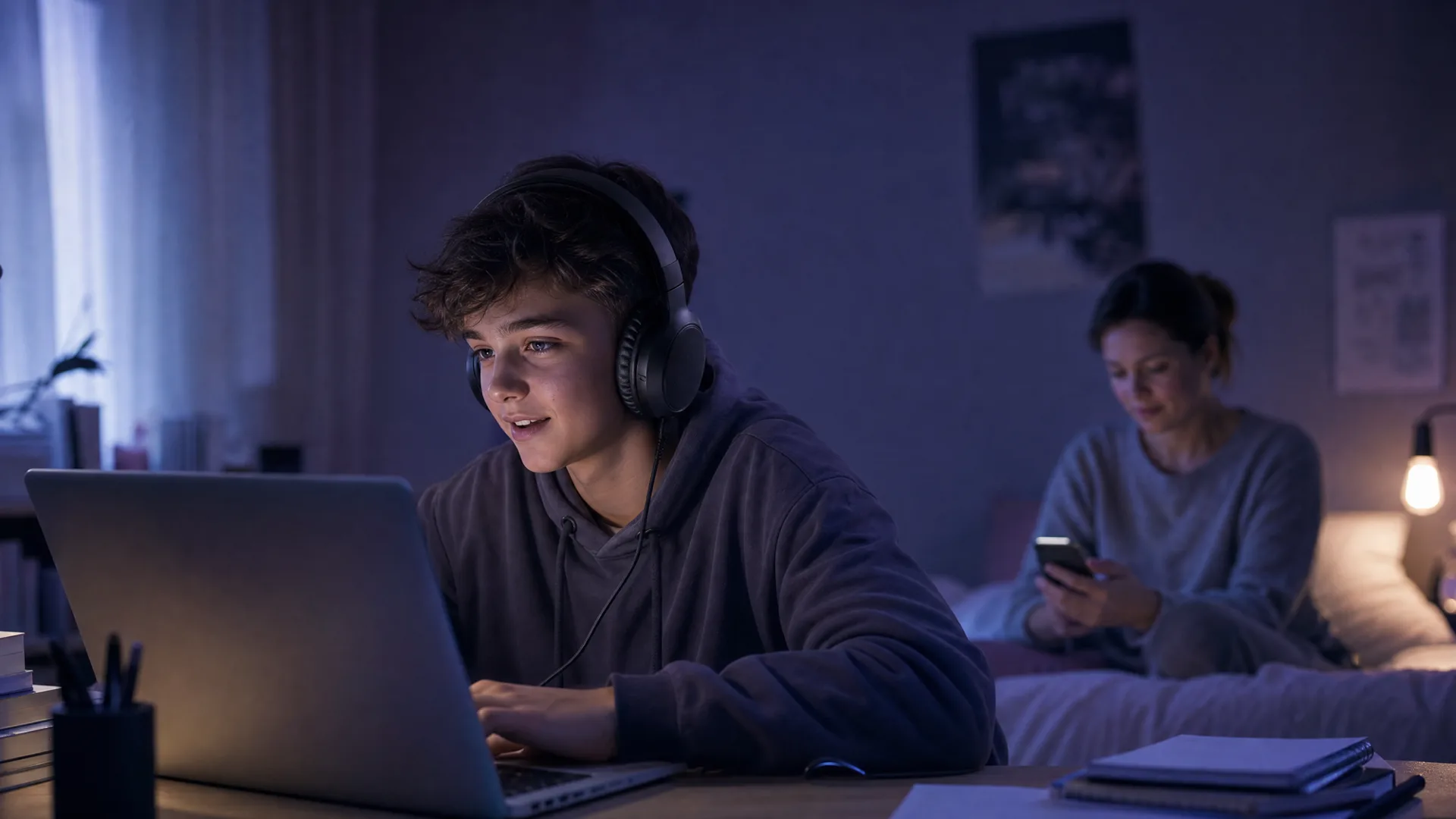
Discord is a voice-first platform. That is the whole appeal for children: drop into a voice channel with friends, keep it open for hours, talk while gaming. It is also the reason Discord is harder to keep safe than a text app. The thing your teen uses Discord for the most is the one thing no safety tool built into Discord can actually read.
If you set up Discord's Family Center and felt reassured, that is understandable, but it is worth knowing what it does and does not show. Family Center tells you who your teen talks to and how long they spend on calls. It never shows the content of a message or a single word of a voice call. Different problem.
This guide covers how Discord voice actually works in 2026, why voice is where grooming tends to move, what the new teen-by-default settings do and don't fix, and exactly what to change tonight. For the platform-agnostic picture, start with our voice chat safety guide.
Do this first: 5-minute Discord safety checklist
Confirm the account is set up as a teen account with a real birth year, and complete age assurance if prompted.
Open User Settings, then Privacy & Safety. Restrict who can send direct messages to friends only and keep direct-message filtering on its strictest option. (Discord renames these controls periodically, so look for the direct-message and content-filtering options in this menu.)
Under the same menu, set Who can add you as a friend to Friends of friends or tighter.
Set up Family Center and link your account so you can see who your teen talks to and which servers they join.
Have one short conversation: "If anyone you met in a game asks to keep talking on Discord or somewhere private, tell me." That single sentence covers the most common risk.
That is the fast version. The rest of this guide explains why each step matters and where the real blind spot sits.
How Discord voice chat works
Discord has three ways to talk by voice, and parents are often only aware of one of them.
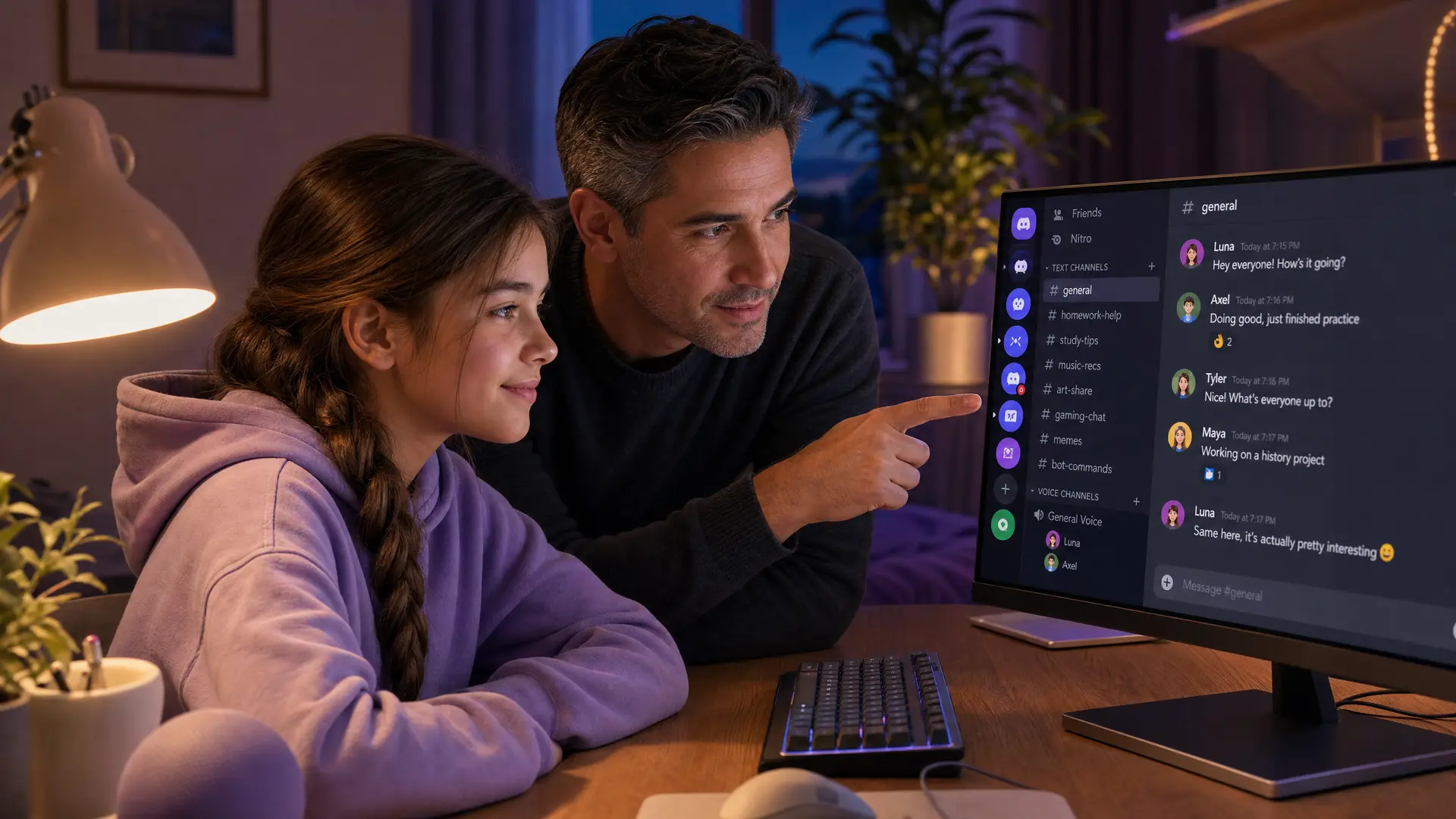
Voice channels: Inside a server (a group community), a voice channel is a room your teen can drop into. Anyone in that server who has access to the channel can join and speak. Big public servers can have thousands of members, which means the people in a voice channel are not necessarily friends.
Voice DMs and group calls: Your teen can start a one-on-one or small-group voice call directly from a direct message. These are private by design and sit outside any server, so they are the least visible of all.
Video and screen share: Any voice call can add video or a shared screen. This matters because it is another channel a bad actor can push a child toward ("turn your camera on").
None of this is recorded. Discord states that Family Center summaries do not share the messages your teen sends, and voice call content is never shown to a linked parent. There is simply no transcript or history of a voice call to review afterward, on any platform.
What the 2026 teen-by-default settings change
In 2026 Discord is rolling out teen-by-default settings globally, alongside age assurance (facial age estimation or ID) in more regions. On a teen account:
DMs from people your teen does not share a server or friendship with are routed into a separate Message Requests folder, and the filter cannot be fully turned off without age verification.
By default, teens do not receive DMs from users they may not know unless a verified adult changes the setting.
Sensitive content is blurred or blocked more aggressively than on adult accounts.
This is a genuine improvement for text and unsolicited DMs. It does very little for voice, because the risk in voice is usually not a stranger cold-calling your teen. It is a contact your teen has already accepted, whom they met in a game and added as a friend, now talking to them in a channel or a call that no one else can hear.
Where the system still has gaps
Once someone is a friend, they can call. Teen-by-default filters unknown contacts, but a "friend" added after meeting in a game bypasses the filter and can voice-DM freely.
Age assurance can be beaten. Children under 13 create accounts with fake birth years, and facial age estimation is imperfect. An account's stated age is not proof of anything.
Public server voice channels mix everyone. A large fandom or gaming server can drop your teen into a voice room with adults they have never met.
Voice is invisible to every tool. Family Center, third-party text monitors, and Discord's own safety library all read text signals. None of them can read what happens in a voice call.
Why voice is where grooming moves
Here is the pattern that keeps showing up in child-safety research. A child meets someone in a moderated game like Roblox, Fortnite, or Minecraft. The game has moderation and, in some cases, chat filtering. So the adult's goal is to leave. "Add me on Discord" is one of the most common lines in online grooming, because Discord voice feels private and slips past the game's moderation.
Thorn's research puts a number on this. In its 2022 Online Grooming Report, nearly 2 in 3 minors (65%) said they had experienced an online-only contact inviting them to move from a public chat into a private conversation on a different platform. That move to a private app is the whole point, because it strips away the moderation and monitoring of the public square. Discord's voice-first design makes it a frequent destination.
Voice also accelerates trust. A voice conversation feels more personal and more intimate than typed messages, and it does so faster. The WeProtect Global Alliance's 2023 Global Threat Assessment found conversations with children on gaming platforms can escalate into high-risk grooming in as little as 19 seconds, with an average of about 45 minutes. Voice can compress that timeline further, because it builds a sense of relationship in a way text cannot.
The scale of the underlying problem is not small. Thorn's 2024 data found that roughly 1 in 3 boys aged 9 to 12 have experienced an online sexual interaction, and the NSPCC recorded more than 7,000 sexual-communication-with-a-child offenses in England and Wales in the year to March 2024. Voice chat is not the only vector, but it is the one with the least visibility for parents. For the specific behaviors to watch for, see our guide to grooming warning signs in gaming.
What Discord's own safety tools actually cover
Discord has invested in safety, and it is worth being precise about what each tool does, because the marketing and the reality do not always match.
The safety library and automated moderation scan text and detect known harmful media. They are text-and-image systems. They do not analyze the audio in a live voice channel or voice DM.
Family Center is a visibility dashboard. When you link it, you can see:
The users your teen messaged or called in DMs and group DMs, with display names and avatars
Total call minutes across DMs, group DMs, and voice channels
Your teen's top users and servers by message and call frequency in the last week
New friends added and new servers joined or created
What Family Center deliberately does not show is the content: not the text of a single message, and not one word of any voice or video call. Discord is explicit that summaries do not share the messages your teen sends. So Family Center can tell you your teen spent 90 minutes on a call with a username you do not recognize. It cannot tell you what was said. That is the gap this whole article is about. For a full walkthrough of these settings, see our Discord parental controls guide.
Step-by-step: locking down Discord voice and DMs
Set the account up correctly
Make sure the birth year on the account is accurate. A fake older age turns off the teen protections that do the heavy lifting.
Complete age assurance if Discord prompts for it, so the strict teen defaults stay locked on.
Restrict who can contact your teen
Open User Settings, then Privacy & Safety.
Restrict who can send direct messages to friends only. This limits who can start a voice DM.
Keep direct-message and spam/content filtering at its strictest setting so unknown-contact messages are held in Message Requests. (These labels change from time to time; look for the direct-message filtering option.)
Set who can add your teen as a friend to friends of friends or tighter, so random users cannot friend their way past the DM filter.
Think about servers, not just DMs
Review the server list together. Large public servers are where an unknown adult and your teen can share a voice channel.
For younger teens, favor small, invite-only servers with people they know in real life.
In server privacy defaults, turn off Allow direct messages from server members so joining a server does not open a DM channel to strangers.
Link Family Center and check it weekly
Family Center will not show content, but the who and how-much is still useful. A username you do not recognize racking up call minutes is exactly the signal worth asking your teen about.
For a full verdict on whether Discord is safe at every age from 10 to 16, including what happens when voice is the gap no setting can close, see our Discord safety guide by age.
Age-specific guidance
Under 13
Discord is not for this age group. Its terms require users to be at least 13.
If your child is asking for Discord because friends use it, the honest answer is that the platform is not designed for them yet, and the voice risk is real.
Ages 13 to 15
DMs and calls: friends only, no exceptions.
Keep servers small and known where possible.
Key risk: a contact met in a game who becomes a "friend," then moves the conversation into a private voice DM. Have the off-platform conversation early.
Ages 16 and up
Expect broader server use and more voice time; the goal shifts from control to judgment.
Focus on the patterns: someone pushing for private calls, secrecy, camera-on requests, or fast escalation.
Keep the door open so they tell you when something feels off, rather than hiding it.
Where monitoring fits, and where it doesn't
Because voice leaves no log, the honest question is not "how do I read the history" but "can anything listen live." Here is what is actually available for Discord.
Tool | What it covers on Discord | Platform | Limitation |
|---|---|---|---|
Discord Family Center | Who they talk to, call minutes, servers (no content) | All | Visibility only. Never shows message text or voice content. |
Bark | Text messages (child's side), flagged by keyword | Android, some iOS | No voice at all. Text only, and coverage is partial. |
Qustodio | App time, blocking, activity | All | Screen-time and blocking, not conversation monitoring. No voice. |
Halo | Alerts you when it detects grooming, bullying, or threats in Discord on a Mac or Windows PC | Mac, Windows | Not on iOS (Apple blocks capturing another app's audio). Nothing recovers a past call. Their voice never leaves their device. Only the words are analysed, then discarded. Never stored. You get a summary, not a recording. From AU$149.99 a year, or AU$19.99 a month. |
Halo is a good fit for the specific case where a teen uses Discord for voice on a Mac or a Windows PC. It sends you an alert when it detects grooming, bullying, or threats, not general chat or swearing. Their voice never leaves their device. Only the words are analysed, then discarded. Never stored. You get a summary, not a recording. It is one layer, not a guarantee, and on Discord it covers voice only, not text or DMs. It cannot help with Discord on iPhone or iPad, because Apple does not let any app capture Discord's audio, and it cannot recover a call that already happened. That is the honest limit. If your teen's Discord use is mostly on a phone, the real levers are the DM and friend restrictions above plus the conversations below. See how on-device compares to cloud-based approaches in our on-device vs cloud monitoring explainer.
What to say to your child about Discord
Ages 13 to 14
"If someone you met in a game asks to add you on Discord or hop on a call, that's the moment to check with me first."
"You won't be in trouble for telling me. Ever. I just want to help."
"Do you know everyone on your friends list in real life? Let's look together, no judgment."
Ages 15 to 16
"When someone tries to move a chat somewhere more private, or wants to keep it secret, that's a pattern worth noticing. Why would they want it hidden?"
"Anyone pushing for camera-on or a private call fast is a red flag, even if they seem nice."
"If a call ever makes you uncomfortable, you can just leave. You don't owe anyone a reason."
Ages 17+
"You know how this works better than most adults. The one thing I'd ask: if something feels off in a call or a DM, screenshot it and come to me."
"Secrecy and pressure are the tells. People who mean well don't need you to hide the conversation."
Frequently asked questions
Is Discord voice chat safe for kids?
Discord is intended for ages 13 and up, and its 2026 teen-by-default settings tighten who can contact younger users. But voice chat remains the weak point: it leaves no log, and no parental tool can read what is said in a Discord voice channel or voice DM. The safest setup is a teen-verified account, DMs restricted to friends, and an open conversation about moving chats off-platform.
Can parents see Discord voice chat?
No. Discord's Family Center shows who your teen messaged or called and total call minutes, but it does not share message content and cannot reveal what was said in any voice call. Discord voice is not recorded, so there is no history to review. On Mac or Windows, a separate tool like Halo can send a parent an alert when it detects grooming, bullying, or threats in the live voice chat, but nothing can recover a past voice call.
Does Discord Family Center monitor messages?
No. Family Center is a visibility tool, not a monitoring one. It shows the people and servers your teen interacts with most, total call minutes, new friends, and new servers joined. It deliberately does not share the text of messages or the content of voice and video calls, so it cannot flag a concerning conversation.
Why do groomers move kids to Discord?
Grooming often starts in a moderated game like Roblox or Fortnite, then moves to Discord because voice channels and DMs feel more private and are harder for parents to see. Thorn found nearly 2 in 3 minors (65%) have been asked to move a public chat into a private conversation on a different platform. Discord's voice-first design makes it a common destination.
What age is Discord for?
Discord's terms require users to be at least 13, and older in some regions. In 2026 Discord is rolling out teen-by-default settings globally, so accounts are treated as teen accounts with stricter DM and content filters unless the user completes age assurance. Children under 13 should not have a Discord account.
Can I monitor Discord voice chat on iPhone?
Not currently. Apple's iOS does not let apps capture another app's audio, so no tool can monitor Discord voice on an iPhone or iPad. Halo covers Discord voice on Mac and Windows, where the audio is accessible. If your teen uses Discord mainly on a phone, the practical levers are restricting who can call them and having regular conversations.
Sources
[Thorn] "Online Grooming Report: Young people's online encounters growing riskier." 2022. thorn.org (65% of minors asked to move to a private conversation on another platform)
[Thorn] "2024 Youth Perspectives on Online Safety." thorn.org
[Discord Support] "Family Center for Parents and Guardians." support.discord.com
[Discord] "Discord Launches Teen-by-Default Settings Globally." 2026. discord.com
[Discord Safety] "A Safer Discord by Default: New Teen Safety Updates." discord.com/safety
[WeProtect Global Alliance] "Global Threat Assessment 2023." weprotect.org
[NSPCC] "Online grooming crimes against children." nspcc.org.uk
[PC Gamer] "What happens if you don't complete Discord age verification." 2026. pcgamer.com
This guide is updated as Discord changes its safety features. Last reviewed July 2026.